How to roll out AI across your team without losing momentum
Most teams struggle with AI adoption not because they lack tools, but because they lack structure. Here's a practical framework that actually sticks.
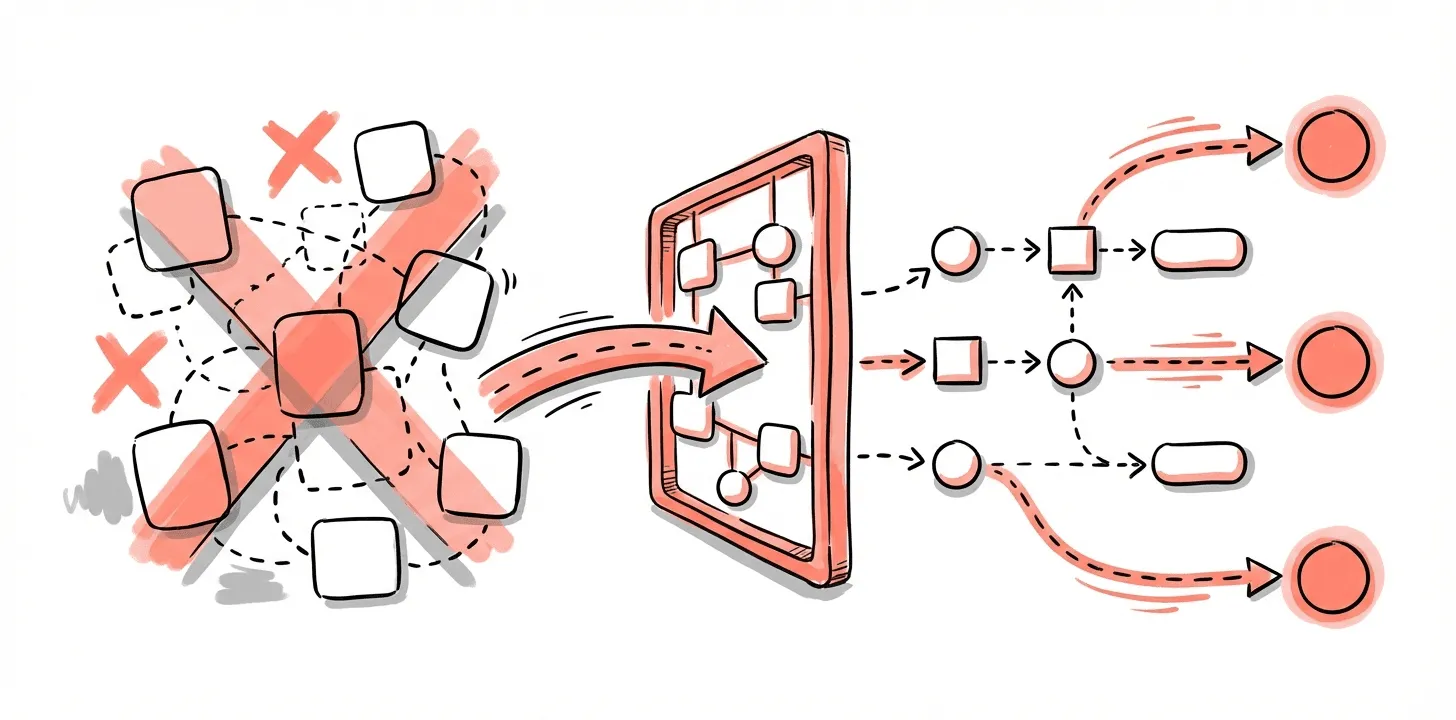
Most teams aren't struggling to adopt AI because they lack tools. They're struggling because some employees experiment constantly, others don't know what's allowed, and leaders can't see whether any of it translates into outcomes.
This is the moment when AI either becomes a real advantage or becomes another source of fragmentation.
Here's a practical framework for rolling out AI in a way that actually sticks.
Start by understanding what's already happening
Before introducing new tools or expectations, you need a clear picture of your current state.

Map three things:
Comprehension. How well do people understand AI fundamentals and apply them to their work?
Impact. Where has AI already created value, if anywhere?
Adoption. How consistently are AI tools being used across roles and workflows?
This step feels unnecessary until you skip it. Despite AI usage doubling in the past year, most companies haven't seen meaningful gains in efficiency or innovation. Uncoordinated experimentation rarely compounds into real impact.
You can't design the right operating model until you understand the one you already have.
Define a clear baseline for the organization
A baseline sets consistent expectations. It reduces ambiguity, improves safety, and stops teams from reinventing the wheel.
Establish your approved tool stack
Start with a transparent list and usage guidelines:
- Which enterprise AI tools are approved for work involving company or client data
- How to handle personal accounts for non-sensitive exploration
- What's prohibited (like uploading proprietary information into public models)
- How to request exceptions or evaluate new tools
- How to experiment with emerging tools safely
One in three employees admits to using AI tools their organization hasn't approved—usually because guidelines don't exist or can't be found. A clear stack reduces security risk and keeps everyone aligned.

Publish a skills matrix
Everyone should know what competencies are expected and how they'll be measured. Your matrix might include:
- Tool comprehension. Understanding how to use the approved stack correctly
- Prompting and context engineering. Creating relevant, useful outputs
- Output evaluation. Checking quality through source traces, consistency checks, or stress testing
- Workflow integration. Applying tools within day-to-day work
- Knowledge sharing. Finding new uses and teaching teammates
Assess quarterly. AI moves fast and your baseline should too.

Create role-specific expectations tied to outcomes
Generic AI training doesn't work. People adopt AI more consistently when expectations map to how their role creates value.
Examples:
- Product managers: Generate and refine user stories. Synthesize research faster. Summarize calls to accelerate alignment.
- Designers: Rapid competitive analysis. Iterate on UX copy. Prototype earlier in discovery.
- Engineers: Generate boilerplate code. Debug with AI assistance. Maintain documentation more consistently.
- Researchers: Synthesize interviews. Produce test plans. Pre-code data into themes.
Outcome-based expectations make it clear why AI matters to each discipline—not just how to use it.
Develop organization-wide usage guidelines
Clear guidelines are one of the most overlooked drivers of adoption. They reduce uncertainty and give teams confidence to use AI within guardrails.
Here's what to include:
1. Purpose. Why is the organization using AI? To augment decision-making, accelerate workflows, improve creativity—whatever your stance is, make it explicit.
2. Scope. Who do these guidelines apply to, and in what contexts? Internal projects? Client work? Experimentation?
3. Approved, restricted, and prohibited tools. Define which are safe for sensitive work, which are limited to experimentation, and which aren't allowed.
4. Core principles. Human oversight. Protecting confidential data. Verifying outputs. Transparency. Bias mitigation. Principles outlast tool lists.
5. Permitted uses. Specific examples: drafting summaries, generating boilerplate, synthesizing research, brainstorming concepts. People adopt more confidently when they see concrete allowed behaviors.
6. Prohibited uses. Activities with legal, ethical, or security risk—like uploading confidential data into public tools or using AI for personnel decisions.
7. Roles and responsibilities. Who oversees safe usage in each function?
8. Incident reporting. How to report misuse or data exposure, and who triages.
9. Review cycle. Commit to updating guidelines regularly. AI evolves constantly.
Make guidelines stick
Publishing isn't enough. Adoption requires reinforcement:
- Make them accessible. Put them in onboarding, internal hubs, and team playbooks.
- Tie them to workflows. Build checkpoints into code reviews, design critiques, research synthesis.
- Train by role, not by tool. Show how guidelines apply to daily work.
- Share good examples. Model correct behavior with real prompts and workflows.
- Update publicly. Announce changes, explain why, invite feedback.
- Identify champions. Select people who experiment, share learnings, and coach teammates.
When guidelines become part of how work happens, adoption becomes safer and more consistent.
Track the signals that show it's working
Useful early indicators:
- More workflows updated with AI and more experimentation
- Fewer rework cycles from poor prompting or inadequate output evaluation
- More cross-team knowledge sharing in meetings, Slack, pair sessions
- More time reported on valuable, high-impact work
Teams that focus on workflow-level gains—rather than just individual productivity—see bigger impact. Companies prioritizing AI-enabled coordination are nearly twice as likely to report meaningful efficiency improvements.
Getting help
If you're defining your AI baseline, building usage guidelines, or designing role-specific expectations, we can help pressure-test your structure and tailor it to your workflows. The goal is adoption that teams can trust and actually use.
Subscribe to updates
Get notified when we publish new articles.